Drop shadow effect
Add a drop shadow behind your object, following the shape of its non-transparent pixels (not just a rectangle).
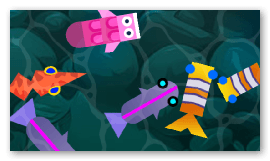
You can control the shadow's color, its transparency, how far it is offset from the object, the direction of that offset (rotation, in degrees) and how blurred it is. This is handy to make an object stand out from its background, to suggest that it is floating, or to draw a simple ground shadow.
Applied to a layer, the shadow is drawn behind every object on that layer at once. This is a 2D-only effect.
Reference
All effects are listed in the effects reference page.